Shop settings let you control what data DataGlass pulls, how often, and which permissions are active. Sync status shows real-time health of your shop's data pipeline.
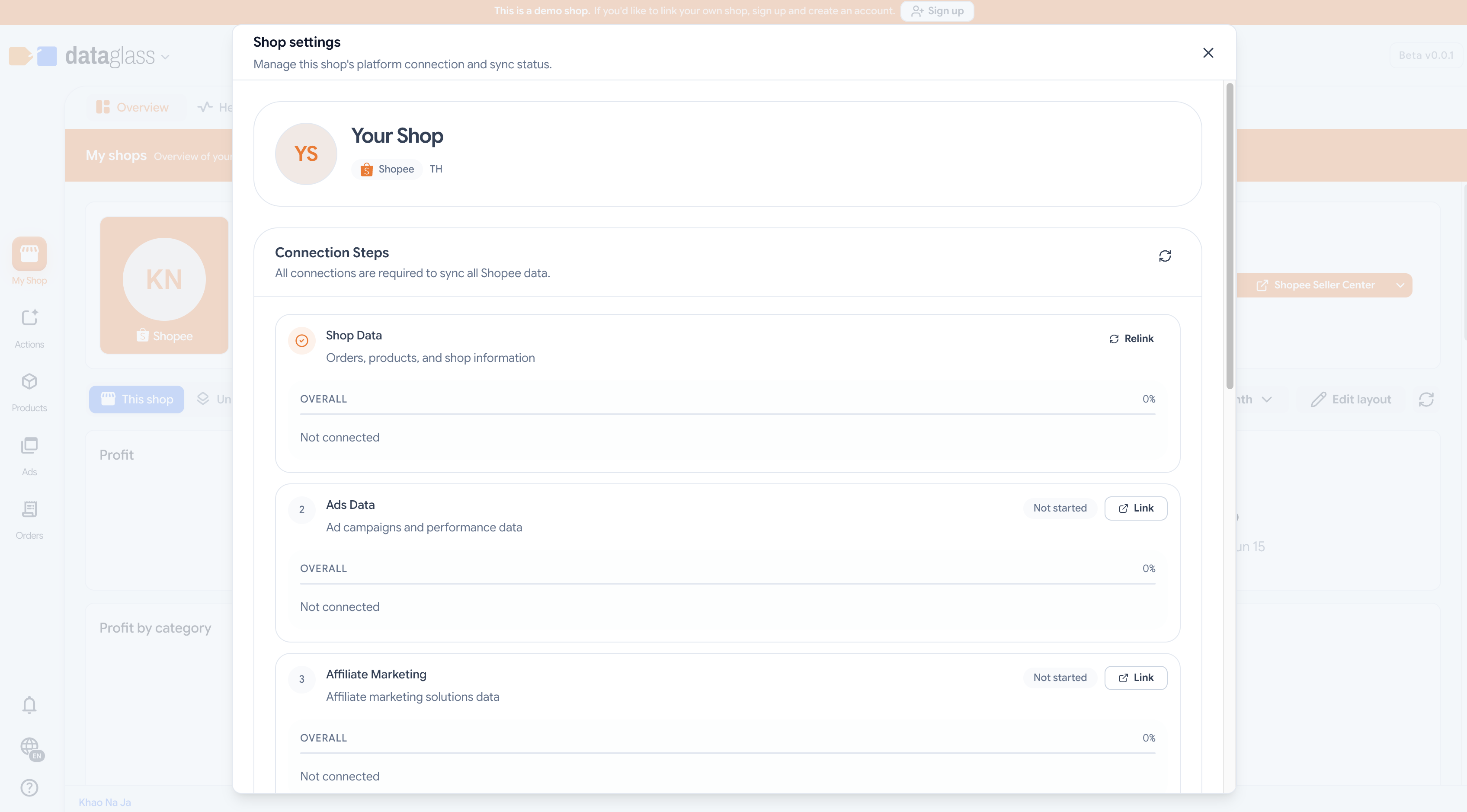
How to use Shop Settings
- Open your workspace and select a shop.
- Click the Settings icon in the shop header.
- In Connection, you can re-authenticate Ads or AMS scopes or revoke access entirely.
- In Classification (Shopee only), set your seller type (Mall or Non-Mall) and whether you're in the small-seller or affiliate program — this affects commission rates and recommendation eligibility.
- In Extra pulls, enable optional data syncs (e.g., estimated shipping, advanced inventory tracking).
- Monitor the Sync status badge — green means current, yellow means a pull is in progress, red means a recent failure.
Why this matters
Classification data drives commission forecasts and pricing recommendations. Sync failures here alert you to auth issues or API limits — address them to keep recommendations fresh.
Most shops sync every 15–30 minutes. Shopee's small-seller and in-program flags update less frequently; check the UI timestamp to confirm.