On the Team page, the owner clicks Add member to bring someone new into the organization. There are three ways to do it.
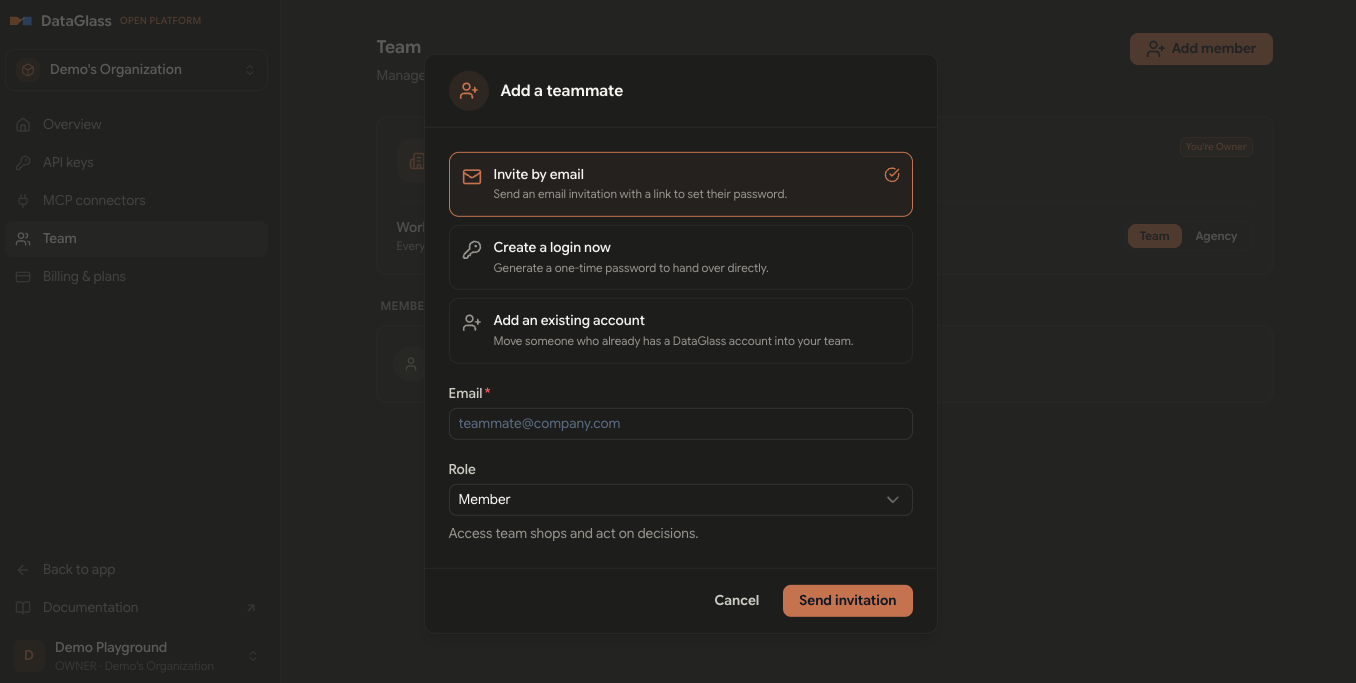
Choose how to add them
- Invite by email — Send an email invitation with a link for the person to set their own password. They appear as Invited until they finish.
- Create a login now — Generate a one-time password you hand over directly. Use this when you want to set someone up immediately without waiting on email.
- Add an existing account — Move someone who already has a DataGlass account into your team.
Pick a role
Enter the person's email, then choose their role (the default is Member). The role decides what they can do across the team's shops — see Team & roles for what each role means. You can change it anytime later.
Click Send invitation to finish.
If you chose Create a login now, the one-time password is shown only once. Copy it and share it with the teammate right away — they'll be asked to set a new password on first login.
A person can belong to only one organization at a time. Adding an existing account moves them out of their previous organization into yours.